Tax preparer website checklist: make the next step clear
Start your tax preparation website with the returns you handle, your verified professional credentials and a clear route for new and existing clients. Include fees or your quote process, seasonal availability and a link to your existing document portal. Check each detail before filing season and update it when your practice changes.
Want this built for you? See the top of your own page free before paying.
By Luis Junior
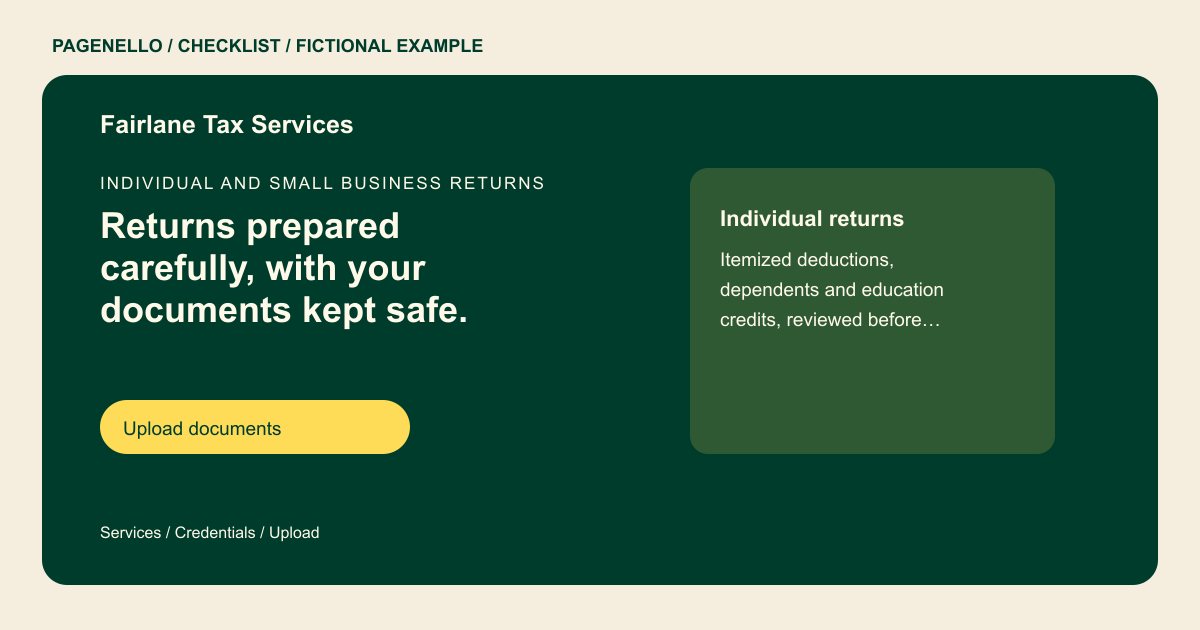
Define the work you accept
List the return types and client situations you serve, such as individual returns or self-employment, only if they reflect your practice. Explain how you quote complex work and what a prospective client should do first. Avoid promising a refund amount or tax outcome.
Give documents a separate route
Keep sensitive records out of ordinary email and the public page. If you use a client portal, label its link for existing clients and explain how new clients obtain access. Review your portal and communication process against the rules that apply to your practice.
Keep seasonal details accurate
Gather the credentials you hold and confirm the exact wording with the issuing authority. Add office hours, appointment options and how clients can reach you after filing season. Assign a person to remove old deadline notices.
Tax preparers: checklist
Questions about tax prep websites
Should clients upload W-2s to the website?
Direct them to the document portal your practice already uses. Pagenello’s package links to that service; it does not include a file-upload form. Label the portal link clearly for existing clients and explain how a new client should contact you.
Do I need to publish every fee?
Choose the detail that suits your practice. A starting fee or explanation of how you quote can set expectations without claiming every return costs the same.
How should credentials appear?
Use only the credentials you actually hold, with accurate titles and any disclosures applicable to your practice. Verify current requirements with the relevant authority. Check that the displayed credential matches the preparer’s current records before launch.
