Farmers market website design: one page with your days, vendors and season
A farmers market website has to show the days you run, the season dates, where to park, and which growers and makers are there this week. The custom page for $590 is written for your market and linked to the calendar and vendor pages you already keep. A free first look covers the top of the design, before anything is paid.
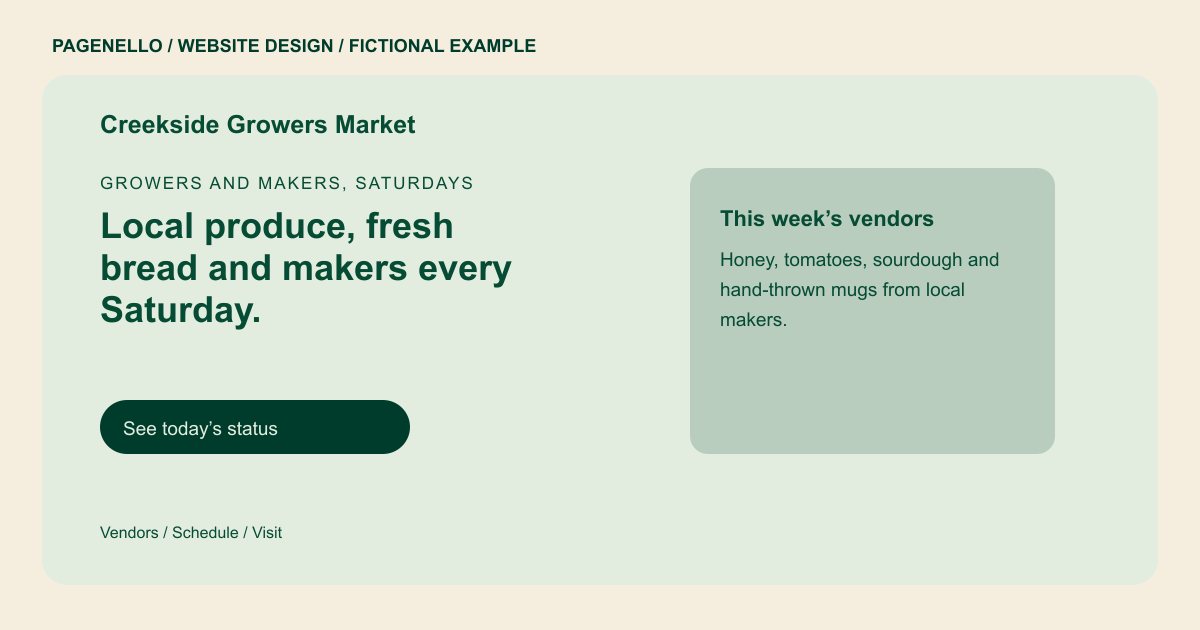
Growers and makers, Saturdays
Local produce, fresh bread and makers every Saturday.
Growers, bakers and makers set up from spring to late autumn. Weather can change the plan.
Plan your farmers market website
What do farmers market customers look for on a website?
Shoppers check a farmers market before they leave the house. They want the days and hours for this season, whether a date has moved because of weather, and which growers and makers will be on the tables. Vendors look for the season dates and how to apply, and new neighbors look for parking and the restrooms. A market’s schedule changes through the year, so the first screen needs today’s status, not a date from last spring.
| Customers look for | On your Pagenello page |
|---|---|
| Market days and season dates | Your market days and hours on the first screen, the opening and closing dates for the season, and a status line for weather closures. |
| Who is selling this week | A vendor list with each grower’s or maker’s name, what they bring, and a link to their own site or Instagram. A list of what is in season can sit below it. |
| Where to park and get in | The address with a map button, notes on parking and drop-off, and the nearest bus stop if one serves the lot. |
| Events and special days | A short list of market events, such as harvest days, kids’ activities or live music, each with a date. A full calendar can have its own page, $190. |
| How to sell and how to pay | A button to the vendor application, and a line on the payment methods you take, including SNAP or EBT if your market accepts them. |
Which tools can my page link to?
Your page links to the tools your market already runs on: a shared calendar such as Google Calendar for market days, Eventbrite for ticketed events, and Instagram or Facebook for weekly posts. Vendor applications usually live in a form or a shared document, so the page links to that rather than building a new one. Each button opens the place you already keep up to date.
What does it cost?
$590 once. The first look is free. Care Plus is $390 yearly and includes up to two small edits each month; compare that allowance with your expected roster changes. For $149, Pagenello can set up the market’s Google Business Profile, which your team verifies and gives Pagenello manager access to.
See the complete pricing and terms and how the first look works.
Questions from farmers market owners
How do I show weather closures?
Keep one status line at the top and change it on the day. Photo and text swaps are free for the first 30 days after launch, and Care Plus ($390 a year) covers up to two small edits a month after that.
Can vendors apply on my site?
I don’t build forms, so the page links to the application your market already uses, such as a shared form or the email address you check. That keeps vendor paperwork in one place.
Should I list every vendor?
Yes, or the ones who are there most weeks. Shoppers often come for one vendor, such as a particular bread or a cheese stall, and they want to see who is there before they leave home. Give each one a short line and a link to their own site or Instagram.
Do I need to show SNAP or EBT?
Only if your market takes them. If it does, say so near the top, since it helps shoppers plan. The page never claims a payment method your market does not accept.
Can the page show the events calendar?
Yes. Short events go on the home page, and a full calendar can have its own page ($190) that links to the tool you already keep it in. Each event gets a date and a line on what happens that day.
What if the market moves to a new lot?
Change the address and the map button in one edit, and update the status line on the day of the move. Take the old location off the first screen so new shoppers don’t drive to the wrong lot.
