Funeral home website design: one page with your number, service times and prices
A funeral home website has to put the phone number, service times and general price list within easy reach, because families visit it while they are making decisions. Pagenello designs one calm page for $590, written in plain language and linked to the obituary and livestream tools you already use. The top of the page arrives as a free first look, and nothing is due until you love it.
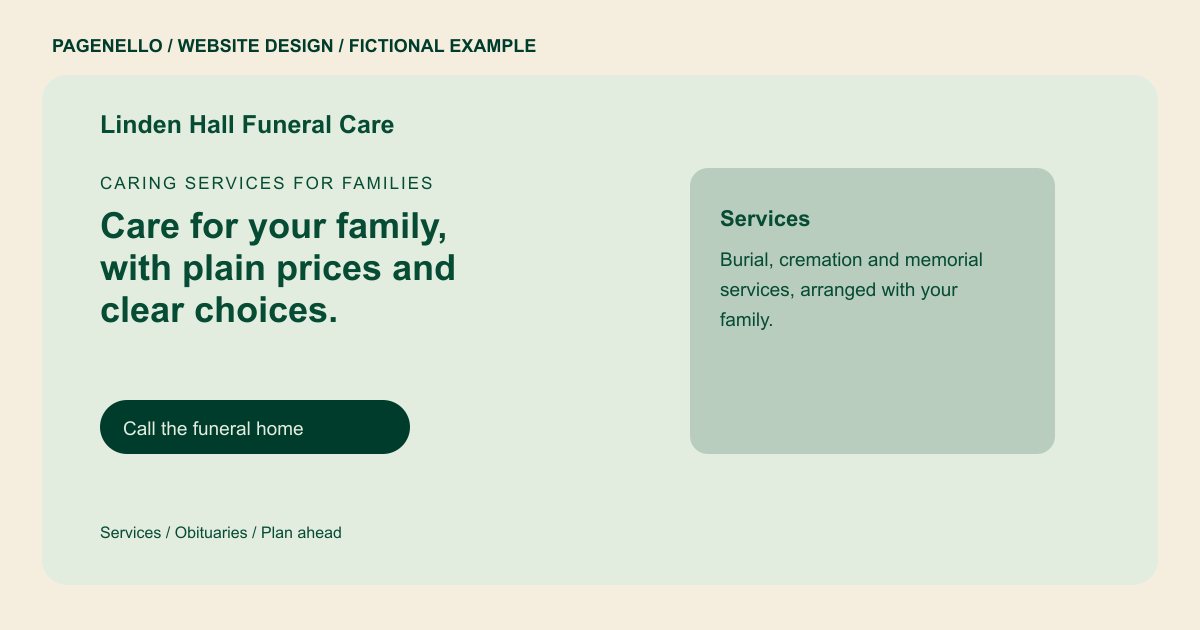
Caring services for families
Care for your family, with plain prices and clear choices.
Burial, cremation and memorial services, arranged at your family’s pace. Call us, and a member of our team will walk you through the options.
Plan your funeral home website
What do funeral home customers look for on a website?
A family seeking immediate assistance may need a phone number, while someone planning ahead may want to understand the available arrangements first. Describe the services your establishment actually provides and the hours your team answers. Confirm service information with the family before publishing it, and give visitors clear directions to the correct entrance. If you maintain an obituary service elsewhere, the page can link to that resource.
| Customers look for | On your Pagenello page |
|---|---|
| The phone number, first | Your number and a tap-to-call button sit at the top of the first screen, so a family can call without scrolling. State when staff answer the number and offer the contact route your establishment actually monitors. If after-hours calls are handled differently, explain that arrangement plainly. |
| Service times and obituaries | Upcoming services and visitations with dates and times, and a link to each obituary on your obituary platform. Confirm the time, location and publication permission with the family. A link can lead to the obituary service you already maintain, where notices are managed. |
| Prices and your price list | A link to your general price list and a plain note on the choices a family makes, so those choices are known before the arrangement meeting. A current price list can be linked for families who prefer to review choices before contacting you. Check the federal and local disclosure requirements applicable to your establishment. |
| Pre-planning and cremation | A short section that explains pre-planning and cremation options, with call and email buttons for questions. Describe the pre-arrangement and memorial options your staff provides, without implying that every family follows the same process. Explain how someone can ask about an initial conversation. |
| Directions and parking | Your address with a map link, plus notes on the entrance and parking for visitors and processions. Give the correct entrance and parking information for a visit or service. If accessibility arrangements depend on the event, offer a number for attendees to ask your team. |
Which tools can my page link to?
The page can link families to the obituary or livestream service your funeral home already uses. Include the current phone number and the service information you are authorized to publish. The obituary archive and video stream remain with their existing providers; Pagenello does not build those systems.
What does it cost?
$590 once. The first look is free. A separate services and prices page in the same design costs $190. The $149 Google Business Profile setup needs your funeral home to verify its listing with Google and give Pagenello manager access.
See the complete pricing and terms and how the first look works.
Questions from funeral home owners
Can families see prices on the website?
Yes. Your general price list can be linked from the page, so a family can read it before they call. The link points to the same list you already give families. I set up the link at launch, and you keep the list current.
Can I post obituaries on my site?
The page can link to the obituary platform your funeral home already maintains. A new obituary archive is outside the one-page package, so notices remain in your existing service.
Can I stream services online?
The page can hold a livestream link for each service, such as a Facebook or YouTube event, and you update the link when a service is scheduled. Setting up the camera and the stream stays with your team.
Should I show my license and memberships?
Yes, as plain text in the footer or on the About section. Show only the license numbers and memberships you hold, and check each one against the official record before the page goes live.
Can families reach you without calling?
The page has email and WhatsApp buttons beside the phone number, so a family can send a question when they cannot talk. A contact form is outside this package, so messages go to the inbox you already check.
How should we keep service notices current?
Confirm the details and permission to publish with the family, then identify who will update the notice if the time or venue changes. If your team manages notices on an existing obituary service, the page can direct visitors to that source.
