Yoga studio website design: one page with your schedule, teachers and first class
A new student looks up a yoga studio to check the class level, the teacher and the timetable before coming in. Pagenello designs your schedule, teacher bios and first-visit notes into one page for $590, linked to the booking tool you run classes in. The free first look shows the top of the page before any payment.
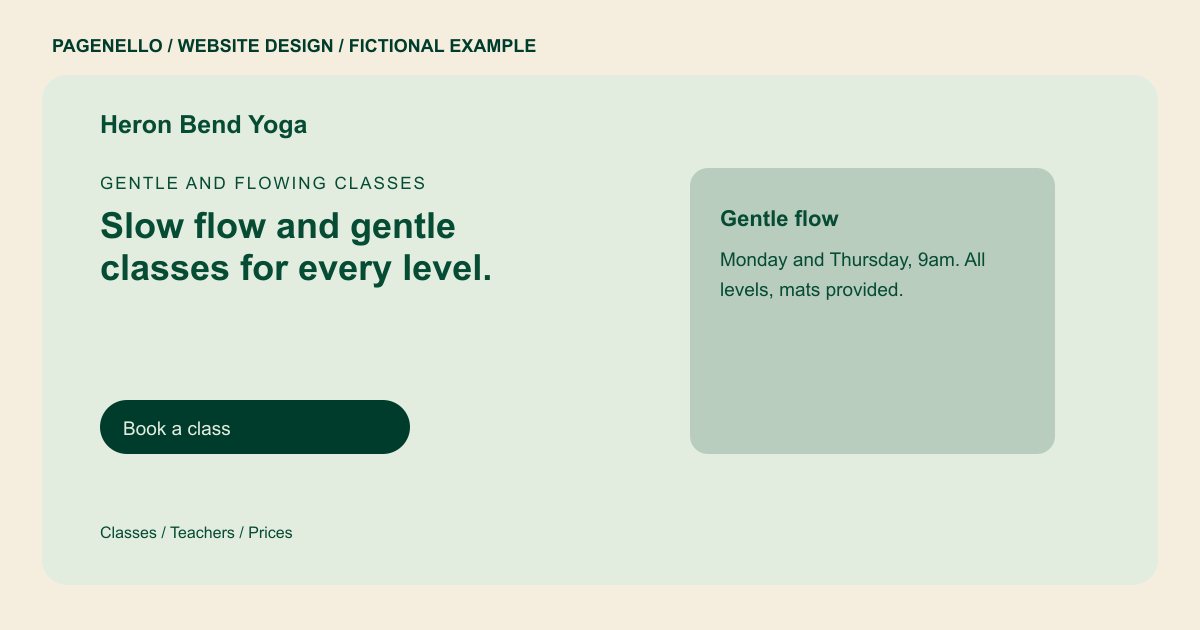
Gentle and flowing classes
Slow flow and gentle classes for every level.
Small classes with teachers who learn your name, from first-timers to daily practitioners. Try a first class before you buy a pass.
Plan your yoga studio website
What do yoga studio customers look for on a website?
Someone considering a first class may want to understand the pace, whether beginners are welcome and what to bring. Describe your actual styles, teachers and rates in plain language, then point to the timetable you keep current. If students need to bring a mat or reserve a place, explain your studio’s practice. A clear contact option gives students a way to ask about access or suitability. Explain how to find the entrance and when to arrive if your studio gives newcomers those instructions. For a mixed-level class, describe how you present variations and whom students can contact before arriving with questions about the session.
| Customers look for | On your Pagenello page |
|---|---|
| The weekly class schedule | List the class style, time and experience level you can keep current, and make clear where students can find changes or cancellations. If your booking service is the source of the latest timetable, link directly to it. Explain which sessions are suitable for a first visit. |
| Teachers and styles | A short bio and photo for each teacher, with the styles they teach and any teacher training they hold. Introduce instructors by the names and teaching styles they have approved. Explain which sessions use props and whether prior experience is expected. If you mention a training program or registration, check its current wording with the teacher and avoid treating it as a promise of a health outcome. |
| First visit and what to bring | A short first-class section: what to wear, whether you supply mats, when to arrive and whether a first class can be tried. A newcomer may also need to know where to enter, whether a changing area is available and how to ask about accessibility. Use the studio’s real arrival guidance rather than a generic checklist. If props are provided only for certain classes, say which ones. |
| Prices and memberships | Drop-in, class pack and membership prices in plain text, with a button to the page where a student buys them. |
| Workshops and trainings | Workshops and teacher trainings in their own section, with dates, price and a sign-up link. |
Which tools can my page link to?
Your page can link to the class schedule or reservation service your studio already uses. Confirm its availability, payment and waitlist settings with the provider, and check the destination when your timetable changes. A new booking system is outside the package.
What does it cost?
$590 once. The first look is free. A separate schedule page costs $190; ask about the work needed to keep a changing timetable current. Google Business Profile setup ($149) completes your listing details; you verify the profile, grant manager access and update hours when they change.
See the complete pricing and terms and how the first look works.
Questions from yoga studio owners
Can students book classes from the website?
A button can lead to the schedule or booking service you already use. Check which classes and payment options it displays; the Pagenello page does not create a booking system.
How should I list the schedule?
A stable overview can describe recurring class styles, teachers and usual times. For substitutions and changing availability, send students to the schedule you maintain in your existing service. Review both destinations when your studio changes its teaching calendar.
Can I show teacher bios and photos?
Yes. Each teacher gets a short bio, a photo and the styles they teach. Use only photos you have permission to publish, and list certifications such as a Yoga Alliance registration only when the teacher holds one.
Can I promote workshops and retreats?
Yes. Each one gets a short section with dates, price and a sign-up link. Remove a workshop once it passes, which is a small text edit.
Can the page say my classes help with back pain?
Describe the class format, pace and intended experience level without promising a health outcome. Invite students with questions about suitability to speak with an appropriate qualified professional.
