Meal prep website checklist: make the weekly order easy to plan
A meal prep website needs a clear menu or sample selection, plan details, an order deadline and instructions for pickup or delivery. Give customers a route to your existing ordering tool and explain where to find ingredient information. Use this checklist to prepare each detail and decide who will keep it current.
Want this built for you? See the top of your own page free before paying.
By Luis Junior
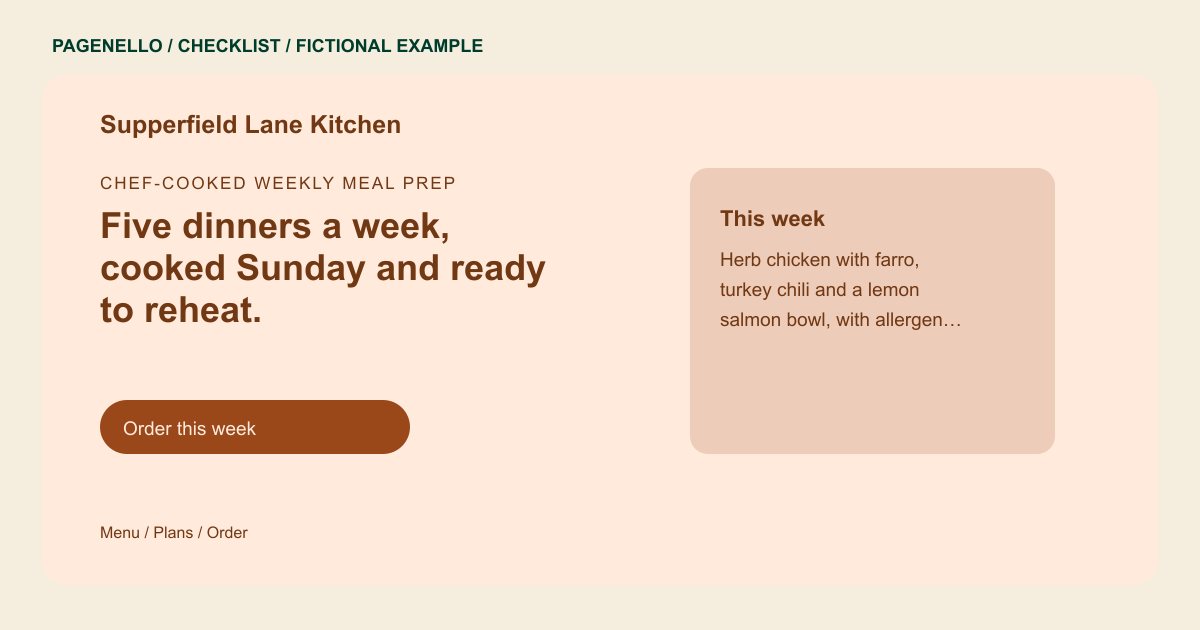
Make the offer understandable
Explain whether customers choose individual meals, a fixed bundle or a recurring plan. Give portion and price details your kitchen can support, plus the current menu or a clearly labeled sample. Direct ingredient and allergen questions to your team when the answer needs confirmation.
Connect the order cycle
Place the cutoff day and time beside the relevant pickup or delivery window. Identify the areas you serve, applicable fees and any minimum order you actually require. Link to the existing checkout and check that its menu and deadline agree with the website.
Plan for changes after launch
Assign someone to review menu links, sold-out items and holiday schedules. For instructions about storage or reheating, use guidance supplied by your kitchen and check applicable food safety requirements. Avoid nutrition or dietary claims you cannot substantiate.
Meal prep companies: checklist
Questions about meal prep websites
Should the website show a rotating menu or a sample?
Use a current menu if you can keep it accurate. Otherwise identify a sample as an example and send customers to the live menu in your ordering tool.
Can the page handle subscriptions and payments?
Pagenello links to an existing ordering or subscription service. Building a cart, subscription system or payment checkout is outside the package. Make clear where customers choose meals and complete their order.
How often can Pagenello update the menu?
Small text and photo updates are free for 30 days after launch. Care Plus covers up to two small edits per month; check whether that frequency suits your menu cycle.
